A system of intelligence on top of your system of record.
Canopy gives RevOps and revenue leaders one place to control every AI agent working in HubSpot or Salesforce. Leaders set the send mode for each workspace, see every action logged with its approver, and report pipeline by source, agents included. The CRM stays the system of record, and Canopy writes every action back to it.

“Is the engine working, and what changed this week?”
Canopy opens on the answer, and on the few decisions that need a human today.
Where the week goes today.
- 01
Reporting nobody trusts
Five dashboards, five versions of pipeline.
- 02
Tool sprawl
Every team bought its own point solution, and none of them talk to each other.
- 03
Dirty data
Deals without next steps and contacts without stages break every report.
The same team, a different week.
| Today | With Canopy | |
|---|---|---|
| Reporting | Dashboards that disagree | One view in the CRM, against a baseline |
| Data quality | Quarterly cleanups | Gaps found and fixed continuously, for owner approval |
| Automation | Workflows nobody owns | Agents with set send rules and a full audit trail |
| Improvement | Annual planning | Weekly, measured changes across every workspace |
Gets better every single week.
Your team's messaging is never finished. Agents test new versions against a holdout, measure them on pipeline per 100 accounts, and promote the winners automatically, so results compound instead of decaying.

Every change is tested against a live holdout, measured on pipeline per 100 accounts, and logged with its result. How self-improvement works ›
What agents take off your plate.
A week with Canopy.
Pipeline report
Pipeline by source, including agent-sourced, in Slack.
Data quality
Gaps proposed for fixing, approved by owners.
Learnings
What changed across workspaces and what it did.
Business review
Results against baseline with a Canopy founder.
The workspaces you'll use.
Live for your team in 30 days.
Every rollout starts with a workshop and follows the same path. Here is what it looks like for revenue operations and revenue leaders.
- Week 0
Workshop
Revenue journey, stack and baseline KPIs agreed.
- Weeks 1 to 4
Build
First workspace live, reporting baselined in the CRM.
- Each quarter
Expand
One new workspace per wave, governed from one place.
The numbers we answer for.
What revenue teams say.
“They didn't just 'tidy up' our CRM, they rebuilt it as a clear growth engine. We now have a defined, intuitive pathway from lead to outcome, accurate reporting we can trust and a system that genuinely supports our sales team.”

“We've seen a huge uptick in the revenue contribution from CRM and email marketing thanks to your work. The blend of strategic expertise and effective implementation you offer is rare.”

“Canopy has been killing it for us. They helped us build a sales system from scratch and implemented everything through HubSpot.”

Common questions.
Anything else, contact us.
What does Canopy do for RevOps and revenue leaders?
Canopy gives RevOps one place to control every AI agent in HubSpot or Salesforce. You set send modes per workspace, see every action in an audit log with its approver, report pipeline by source with agents included, and ask plain-English questions of your CRM, calls and sends with the evidence attached.
Do we have to migrate off our CRM?
No. HubSpot or Salesforce stays the system of record. Canopy reads from it and writes every action back.
Who controls what agents can do?
You do. Send modes are set per workspace, and every action is logged against the person who approved it.
Will this add to our tool sprawl?
Canopy works on top of the tools you already pay for and often replaces point solutions that each team bought separately.
How do we report on agent impact?
Every agent action is attributed in the CRM, so pipeline, meetings and retention can be reported by source, including agents.
How are agent actions audited?
The audit log records every send, CRM change and approval, and can be exported for compliance or review. Each send is stored with the approver and the exact preview they saw, automated CRM changes can be reverted, and brief and playbook changes are versioned with who approved them.
Who maintains the agents?
Your GTM Engineers. They build and version every brief, set up approval queues, send modes and experiments, and run a weekly review with your team, with a Canopy founder in the room. Each quarter, a founder reviews results against the baseline and plans the next wave.
How does Canopy fix CRM data quality?
Data quality agents find deals without next steps, contacts without stages and other gaps that break reports. They propose each fix, the record owner approves it, and the change is logged with a revert. Gaps are handled continuously, and data completeness is one of the numbers RevOps tracks.
How do we stop the agents if something looks wrong?
Pause the workspace. Any workspace can be paused instantly, and nothing sends while it is paused. Admins you designate can also change a workspace's send mode at any time, and every change is logged with who made it and when.
Canopy for other teams.
Further reading.
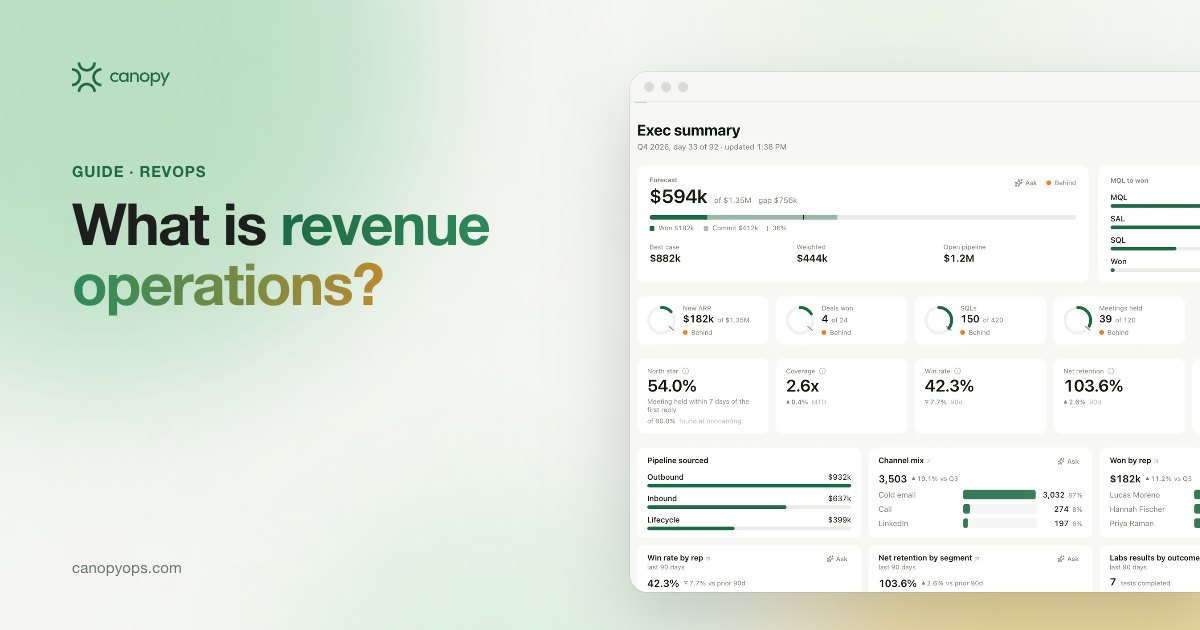
What is revenue operations? A practical guide for teams running AI agents
What revenue operations is, what RevOps owns, how it differs from sales ops, and what changes when AI agents do the execution work in your CRM.
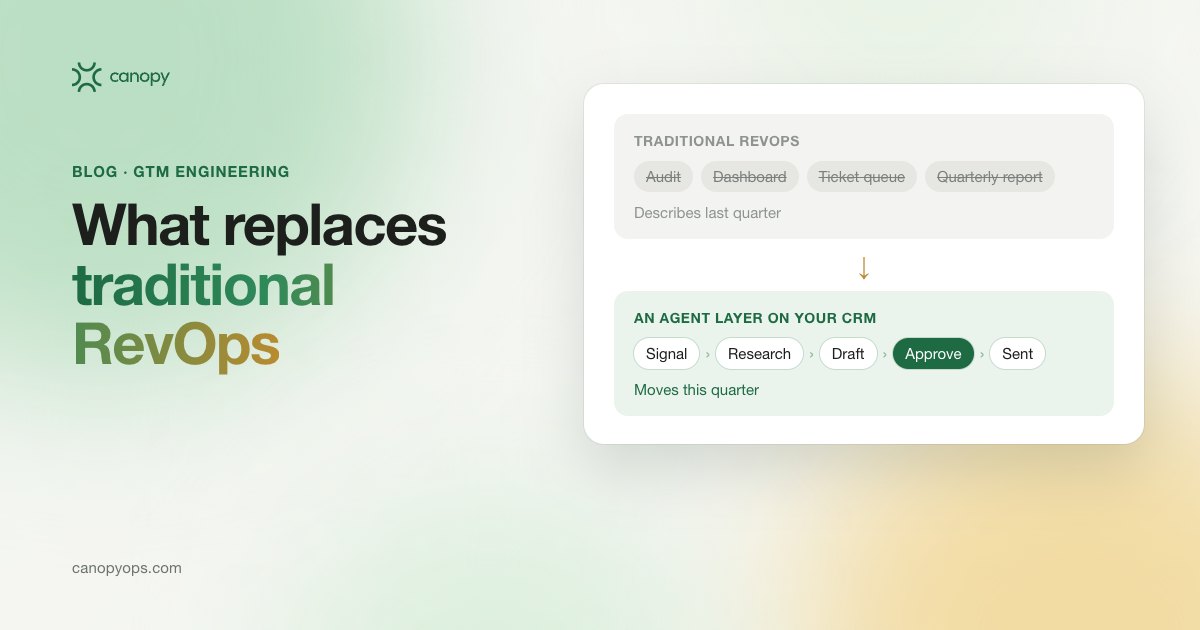
Traditional RevOps is dead. Here is what replaces it.
RevOps spent a decade on audits and dashboards. GTM engineering and an agent layer on your CRM replace it: what changes, and how to test your own setup.
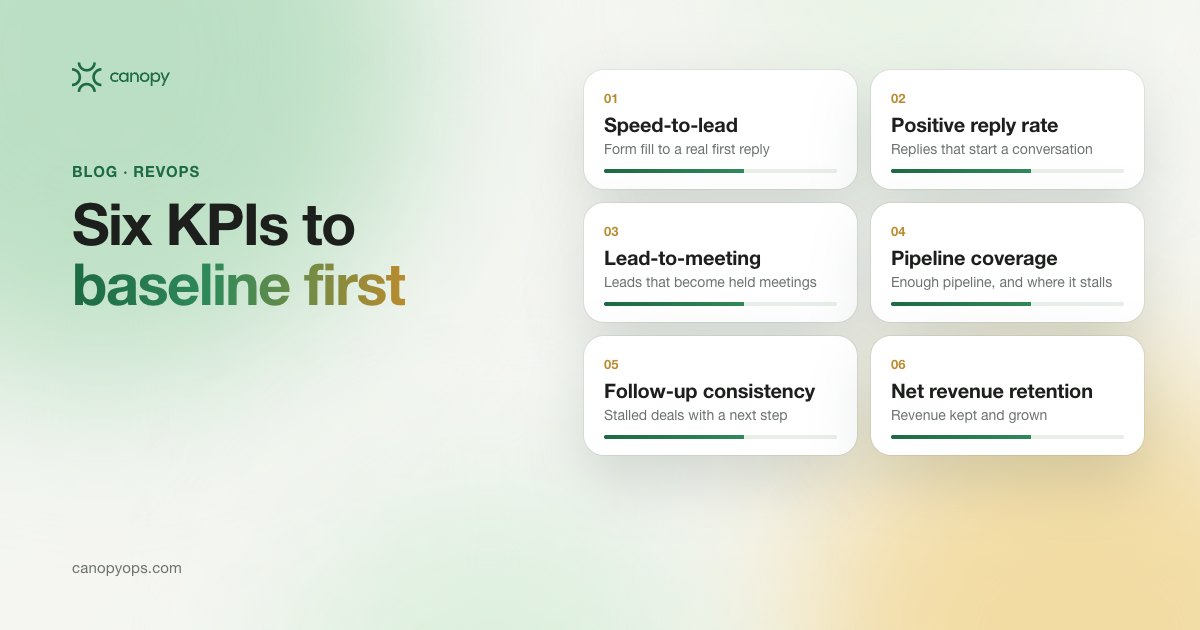
Baseline these six sales KPIs before you buy another GTM tool
Six sales KPIs to pull from your CRM before you buy another GTM tool, with the formula for each, where it lives in HubSpot and what to compare it to.
Apply to become a launch partner.
We're onboarding a small group of revenue teams ahead of general availability. Launch partners get founder-led deployment, launch pricing in writing, and a direct line into what we build next.
- Founder-led deployment
- Launch pricing, in writing
- A say in the roadmap